487
308
AI Model
Added
Aug 24, 2026
Positive Prompt
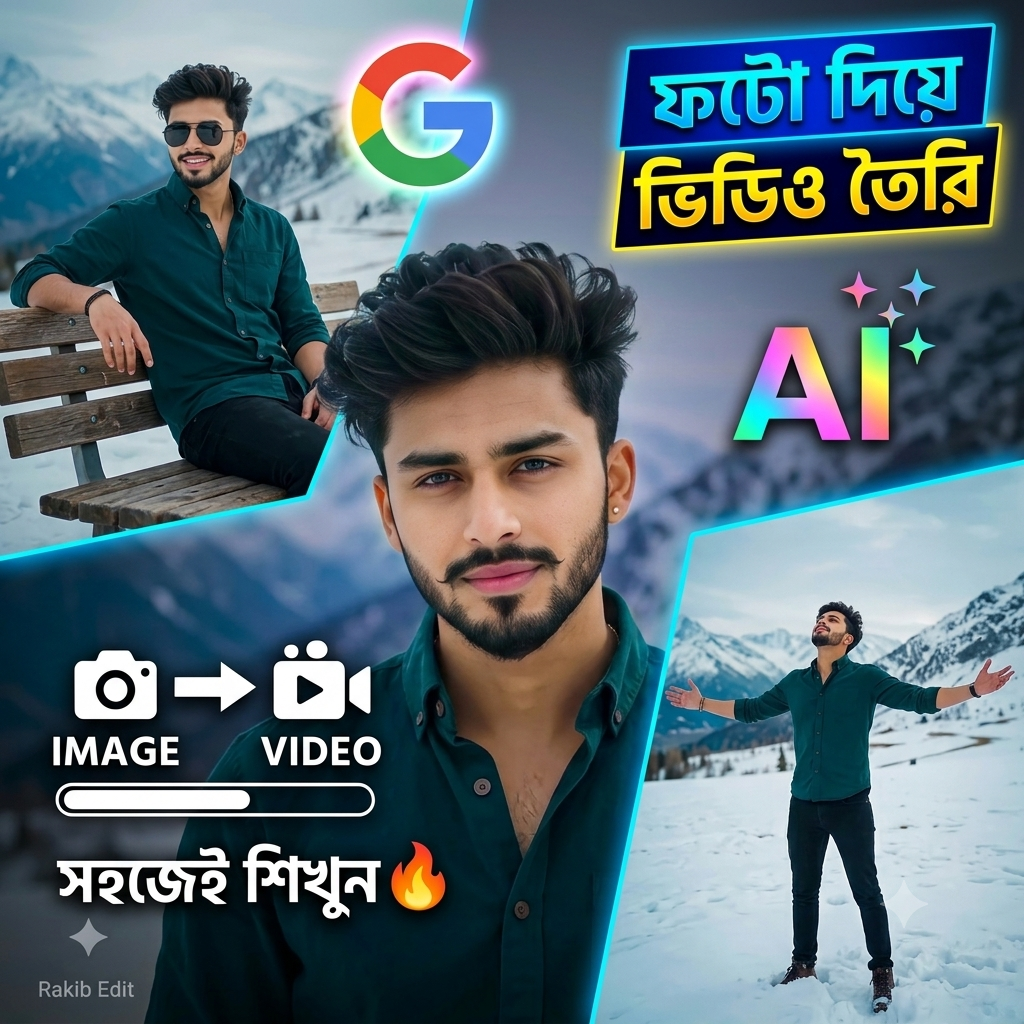
Use the uploaded reference photo for the man's face, hairstyle, skin tone, body build and height. Keep identity exactly same as reference photo — no alteration to face, body, or hairstyle in any scene.
OUTFIT:
Dark teal button-up shirt with sleeves rolled up to the forearm, few top buttons open, light-blue ripped denim jeans, silver chain bracelet on one wrist, black watch on the other, small stud earring, thin gold necklace.
LOCATION & ATMOSPHERE:
Outdoor snow-covered mountain landscape, dark rocky peaks with patches of snow, overcast cool-toned daylight, cinematic moody atmosphere. Cool desaturated color grade, consistent across all scenes.
6 CINEMATIC SCENES (in exact order):
Scene 1: Close-up shot, man touching his ear/hair with one hand, looking at camera with a calm confident expression, snowy mountains blurred behind.
Scene 2: Close-up side profile, man adjusting his shirt collar with both hands, looking to the side with a serious expression.
Scene 3: Medium shot, man turning toward camera holding sunglasses in one hand, sharp confident gaze directly at camera, dark mountain ridge in background.
Scene 4: Wide shot, man sitting relaxed on a bench, legs crossed, putting on sunglasses, mountain range in far background, cool daylight.
Scene 5: Medium shot, man standing, running his hand through his hair, looking to the side, snowy peak visible behind him.
Scene 6: Wide shot, man standing with both arms spread open wearing sunglasses, facing camera, full snow mountain range behind him, cinematic hero pose.
FORMAT & SETTINGS:
16:9 landscape, 1080p resolution, cinematic natural pacing with smooth camera movement.
WATERMARK:
Small semi-transparent text "Rakib Edit" in the bottom-right corner, visible consistently across all 6 scenes.
How to Generate
1
Gemini AI Prompt
2
Google Gemini open করুন
3
"Create an image" বা "Generate photo" লিখুন
4
Upload করুন
5
Prompt Copy করে Gemini AI-তে Paste করুন
6
Optional: "Ultra Realistic 8K" লিখে Enhance করুন
7
Generate করুন
8
Stunning AI Result পান
Share This Prompt
Tutorial: কিভাবে ছবি বানাবেন?
Full Guide১ ক্লিকে এআই দিয়ে ভাইরাল ছবি তৈরি! কেউ এই সিক্রেট ট্রিকস জানে না 🤯🔥


Quick Info
| Model | |
| Views | 487 |
| Copies | 308 |
| Date | 24 Aug 2026 |